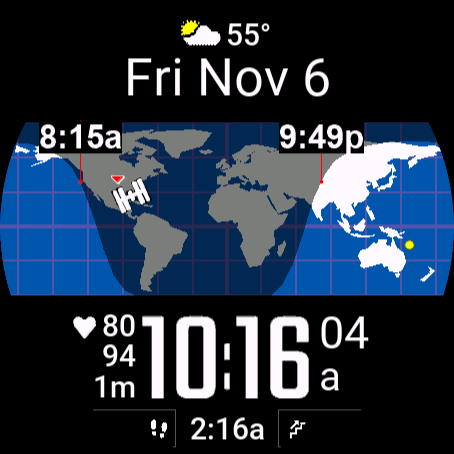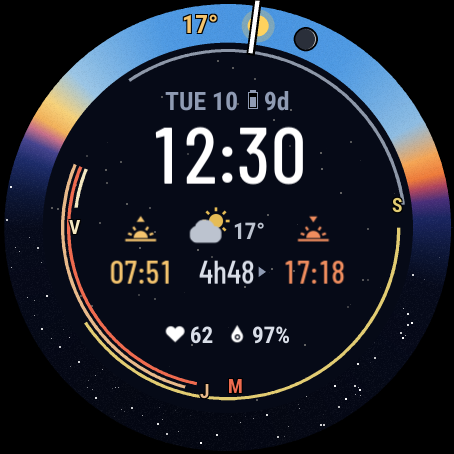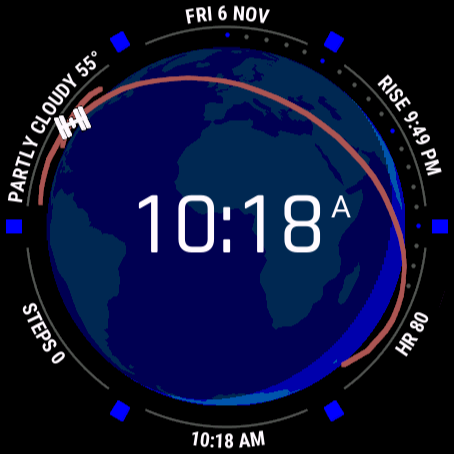
Real-time simulated view, on demo data
On the Connect IQ Store since 2020 · 10,000+ downloads
WorldFace 3D
The globe, turning with the sun.
A 3D Earth at the centre of the dial, lit by the sun and turning in real time, with eight fields running round the bezel.
What it does
- A real globe
- Centred on the sun, on you, on the space station, or turning on its own, with the night side shaded.
- The ISS and its orbit
- The station over the globe, and the path it is about to fly.
- Eight bezel fields
- Clockwise round the dial, each with an arc for its goal: steps, calories, floors, battery.
- Four time zones
- Taken from your time-zone list, each with its own clock.
- Digits or hands
- The time in large or small digits, or as analogue hands over the globe.
On your watch
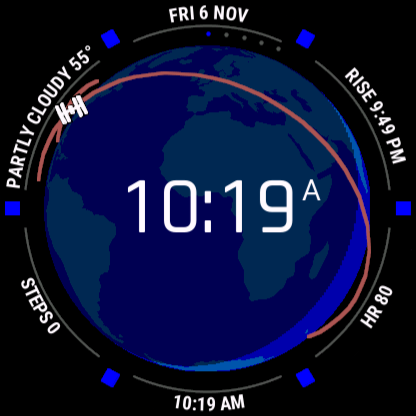
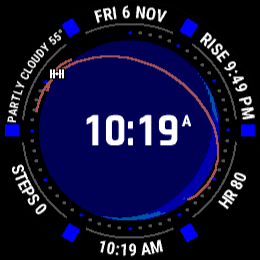
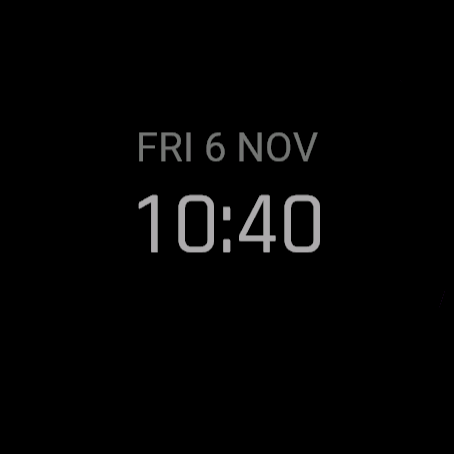
Pictures from the face itself, on the screens it is built for: round AMOLED and MIP screens from 218 to 454 pixels.
What it can show
Time and date
Local timeSecondsDateAM / PM
Time zones
UTCWorld time zones (the list, up to 4)
Sun and moon
Sunrise / sunset (both, or the next one)
Weather (Garmin's)
Conditions + temperatureHigh / lowWeather location
Activity
Steps (+ goal, 7 days)Floors climbed (+ goal)Elevation gain todayIntensity minutes (+ weekly goal)Calories (+ goal)Distance todayMove bar
Health
Heart rate (+ 4 h trace)Weight
Sensors and place
AltitudeSea-level pressureAmbient pressureWatch temperatureEarth map / globe (day and night, you, home)
Space
ISS on the map
Watch and phone
Battery %Battery days leftPhone connectedDo Not Disturb
Web data and text
Stocks
On different watches
The same face, drawn for each screen: what changes between AMOLED and MIP screens, wrist down, and on older or smaller watches.
| AMOLED screens | MIP screens | |
|---|---|---|
| Colours | Full colour. | The 64 colours of the screen. |
| The night side | A see-through shade on the globe, 50 % awake and 25 % wrist down by default, both yours to set. | The same shade, 50 % awake and 25 % wrist down, or the night half drawn in colours of its own. |
| Wrist down | Set to Auto: no globe, the time dimmed with the date above it. Choose Full in Garmin Connect to keep the globe. | Set to Auto, the globe and the bezel stay on (no seconds). Choose Minimal in Garmin Connect for a quieter screen. |
- Which watches
- Watches with Connect IQ 4.2.1 or later (59 models): not the fēnix 6 family, the first MARQ models, Enduro, Descent Mk2 or Forerunner 945 LTE.
- Seconds and heart rate
- The seconds dots and the heart rate show while the watch is awake; wrist down, the heart-rate field is blank.
- Small screens
- The weather's city name is cut to fit: 7 letters on a 218 px screen, up to 21 on a 454 px one.
Set it up
- Install itFrom the Connect IQ app on your phone, once it is in the store.
- Find your codeIn Garmin Connect, open the face’s settings: the code is under “Your code”.
- Enter it hereOn the settings page: no account and no password. Set your time zones, your home city, your stocks.